章節 8 JupyterHub
8.2 新增供 JupyterHub 的 Python 環境
- 用超級使用者權限在
/opt/conda/envs/建立新環境的 yaml 檔案。
name: new_env
channels:
  - defaults
  - conda-forge
dependencies:
  - python=3.11
  - ipykernel
  - plotly
prefix: /opt/conda/envs/new_env關於虛擬環境的撰寫可以參考conda官方文件。
- 使用 conda 指令安裝
- 連結至 JupyterHub
sudo /opt/conda/envs/new_env/bin/python -m \
    ipykernel install \
    --prefix=/opt/jupyterhub/ \
    --name 'new_env' \
    --display-name "新的 Python"
後續可使用指令 jupyter kernelspec 來管理連結的 conda 環境。
8.3 matplotlib 中文顯示問題
- 安裝開源的 CJK 字體
- 搜尋 matplotlib 設定檔案位置
/opt/conda/envs/default-python/lib/python3.10/site-packages/matplotlib/mpl-data/matplotlibrc
- 複製一份到虛擬環境資料夾中
sudo cp /opt/conda/envs/default-python/lib/python3.10/site-packages/matplotlib/mpl-data/matplotlibrc /opt/conda/envs- 編輯設定檔案,在設定檔案裡面的
font.family設定為NotoSans CJK JP。
/opt/conda/envs/matplotlibrc
font.family: "Noto Sans CJK JP"
#font.style:   normal
#font.variant: normal
#font.weight:  normal
#font.stretch: normal
#font.size: 10.0- 刪除原本的檔案
sudo rm /opt/conda/envs/default-python/lib/python3.10/site-packages/matplotlib/mpl-data/matplotlibrc- 把修改後的檔案軟連結回原處
sudo ln -s /opt/conda/envs/matplotlibrc /opt/conda/envs/default-python/lib/python3.10/site-packages/matplotlib/mpl-data/- 測試中文
import matplotlib.pyplot as plt
y = [0,1,2,3,4,5]
x= [0,5,10,15,20,25]
plt.plot(x, y, color='green')
plt.xlabel('x')
plt.ylabel('y')
plt.title("中文顯示")
plt.show()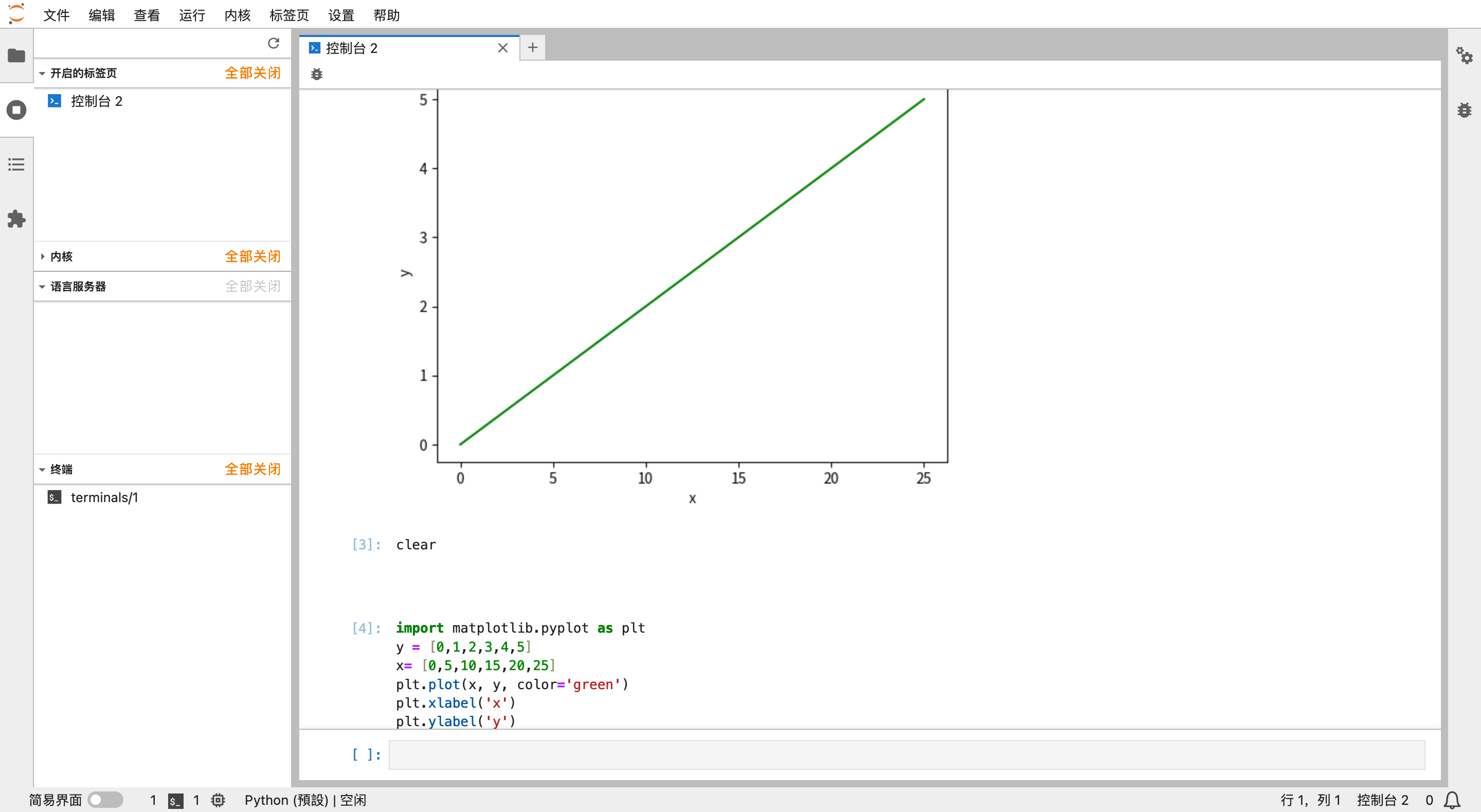
圖 8.1: matplotlib 中文顯示測試